# Reports

### Attendance reports

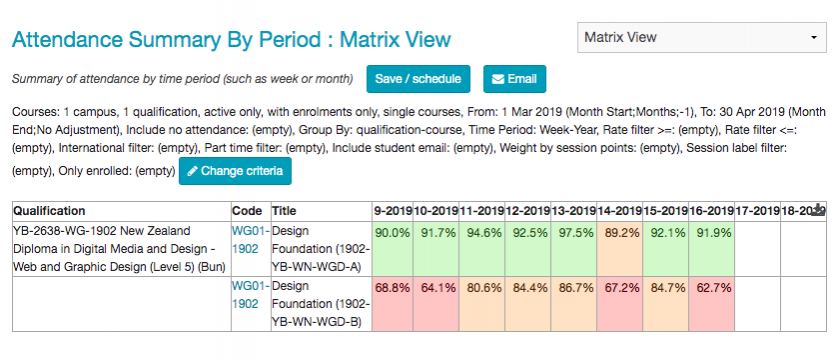
You can report on attendance for courses, Qualifications and students, over days weeks, months or years.

To create a report that summarises attendance for courses in a qualification:

Click **Reports** or **Reports** overview from the main tabbed menu.

![](https://bookstack.chesterwhitwell.co.nz/uploads/images/gallery/2019-04-Apr/scaled-840-0/image-1555559919874.png)

Select **Attendance Summary By Period**. ![](https://bookstack.chesterwhitwell.co.nz/uploads/images/gallery/2019-04-Apr/scaled-840-0/image-1555559968566.png)

Select course by selecting a **Campus** from the campus tab and a **Qualification** fro the qualification tab.

<p class="callout info">You select multiple campus and qualifications by shift, ctrl or command clicking. </p>
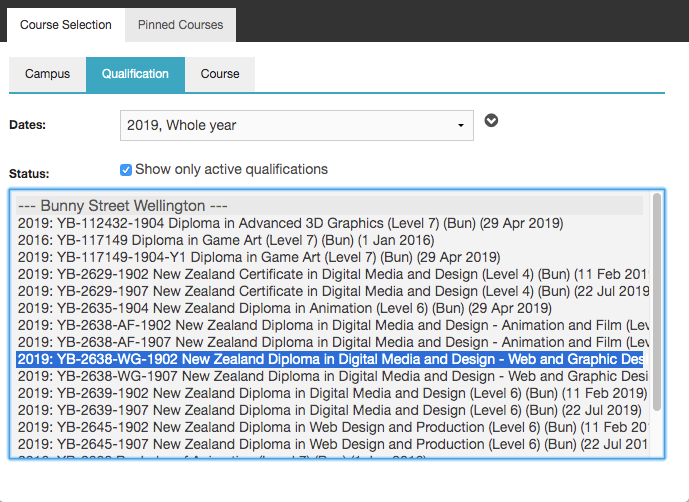
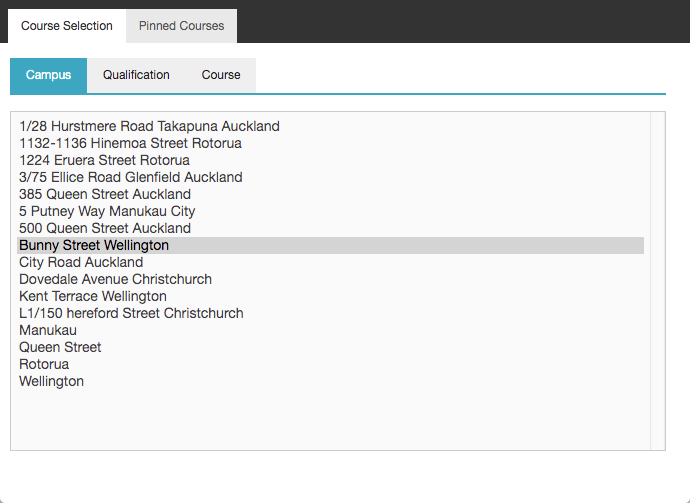
![](https://bookstack.chesterwhitwell.co.nz/uploads/images/gallery/2019-04-Apr/scaled-840-0/image-1555560115476.png)![](https://bookstack.chesterwhitwell.co.nz/uploads/images/gallery/2019-04-Apr/scaled-840-0/image-1555560157163.png)

<p class="callout info">you can choose to refine your selection in the course tab by adding date or name filter.</p>

Click **Complete Selection** in the course tab.
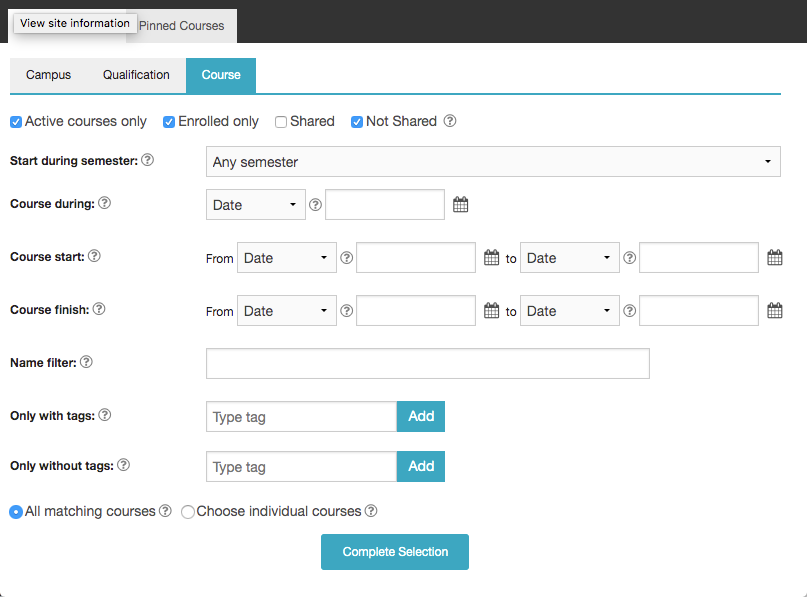
![](https://bookstack.chesterwhitwell.co.nz/uploads/images/gallery/2019-04-Apr/scaled-840-0/image-1555560187178.png)

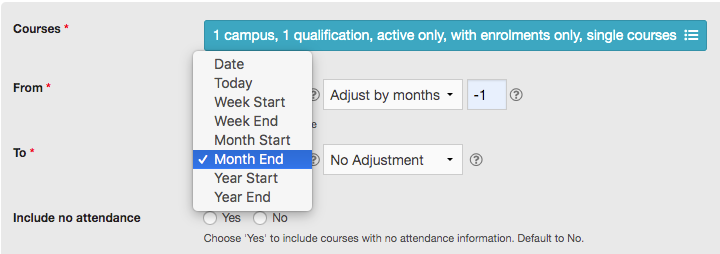
Select the **From** and **To** that are appropriate for you report.

<p class="callout info">adjusting by -1 will include the preceding month, or week depending on selection. </p>
![](https://bookstack.chesterwhitwell.co.nz/uploads/images/gallery/2019-04-Apr/scaled-840-0/image-1555560797020.png)

Choose how your data will be grouped.

![](https://bookstack.chesterwhitwell.co.nz/uploads/images/gallery/2019-04-Apr/scaled-840-0/image-1555561000330.png)

Click **Show Results**.

<p class="callout info">You can go back and adjust you search by clicking **Change Criteria**.</p>

![](https://bookstack.chesterwhitwell.co.nz/uploads/images/gallery/2019-04-Apr/scaled-840-0/image-1555566634125.png)