AI for planning and development processes
AI for planning and development processes
Generative AI can be useful during the planning and development stages of learning design, particularly when a designer needs to explore options, reduce blank-page friction, or test the coherence of a developing course. It should be treated as a support tool for thinking and drafting, not as a substitute for professional judgement, subject matter expertise, or institutional requirements.
Used well, AI can help a designer move from rough notes to a workable draft more quickly. Used poorly, it can produce plans that appear tidy while masking weak alignment, unrealistic sequencing, or generic thinking. For this reason, AI-assisted planning should remain closely connected to established design processes such as writing learning outcomes and objectives, course level alignment, course mapping, and topic and assessment planning.
Where AI can help
AI is often most useful when it is used to accelerate lower-risk planning tasks such as:
- generating first-pass outlines for courses, topics, or modules
- proposing sequences of topics or learning engagements
- clustering skills and knowledge into logical teaching groupings
- drafting course maps, topic plans, or workshop structures
- identifying questions, gaps, or assumptions in a draft design
- summarising large amounts of source material for review
- turning rough notes into a clearer working document
These uses are valuable because they can help a designer move from an idea to a workable draft more quickly, while still leaving space for professional review and revision.
Good practice
When using AI for planning and development:
-
Start with clear inputs
Provide the course purpose, learning outcomes, delivery mode, learner profile, relevant constraints, and any assessment requirements. -
Use AI to propose, not decide
Ask for options, alternatives, or draft structures rather than assuming the first result is correct. -
Review for alignment
Check that proposed topics, engagements, and assessment ideas align with the intended learning outcomes and with any programme-level expectations. -
Check for practical realism
AI may generate plans that look tidy on paper but are too ambitious for the available time, resources, or learner readiness. -
Document decisions
Where AI contributes to a planning process, record what was kept, changed, or discarded so that the rationale remains visible.
Risks and limitations
AI-generated planning can introduce subtle problems if it is used uncritically. Common issues include:
- generic or over-polished structures that do not reflect the actual learners
- unrealistic volume of content or activity
- hidden misalignment between learning outcomes and proposed tasks
- invented standards, references, or examples
- language that sounds confident but lacks educational substance
For this reason, AI-assisted planning should always be followed by deliberate review against the programme documentation, course description, and any relevant alignment tools.
Example uses
Example 1: Drafting a course map structure
A designer provides:
- course learning outcomes
- indicative content
- weeks available
- known assessments
AI can then propose a draft sequence of topics, possible topic purposes, and example topic learning objectives. The designer can use this as a working draft to refine against the CLAT, course map, and summative assessment plan.
Example 2: Stress-testing a draft plan
A designer already has a draft topic sequence. Instead of asking AI to replace it, the designer asks AI to:
- identify gaps in coverage
- flag likely overload points
- point out where assessment preparation appears weak
- suggest where prior knowledge may need to be made explicit
This is often a stronger use of AI than asking it to generate a plan from nothing.
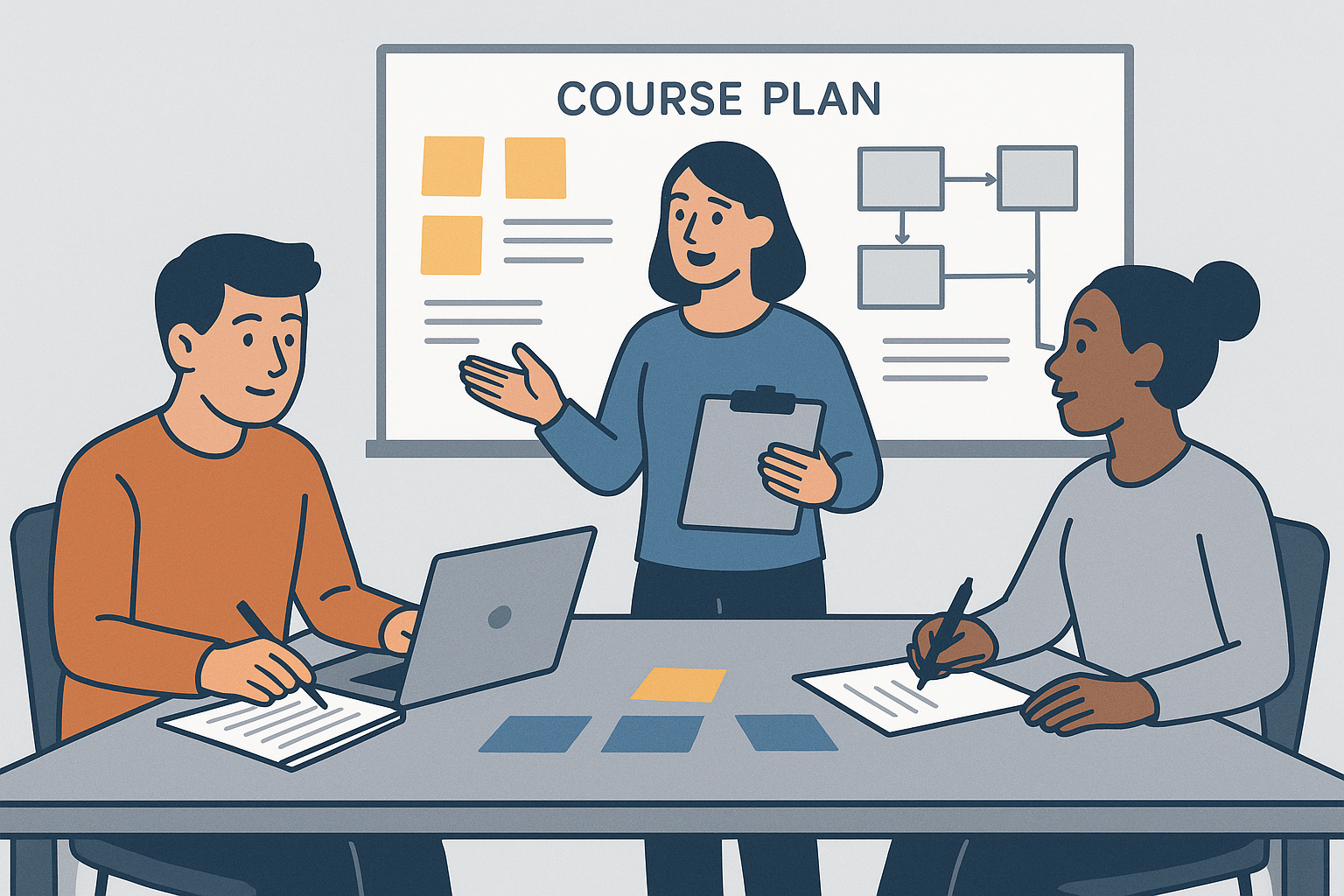
Example: an AI-generated planning image used to support discussion of sequencing, scoping, and early course development thinking.
Practical guidance
Use AI during planning when it helps you:
- generate alternatives quickly
- clarify structure
- surface blind spots
- turn rough notes into a clearer draft
Do not rely on AI to determine:
- educational quality by itself
- authenticity of vocational alignment
- institutional compliance
- whether a plan is actually teachable in context
AI can be an effective planning assistant, but the quality of the final course still depends on the judgement of the learning designer and the contributions of subject matter experts.