
Introduction
Global grade systems
Grade system define how assessments are a marked. Global grade system can be applied to any qualification delivered by a school. It it also possible to create local grade system for a particular campus.
The grade system will establish rules for passing and failing a competency based qualification, and what grades to assign to an achievement based qualification.
To add a new grade system
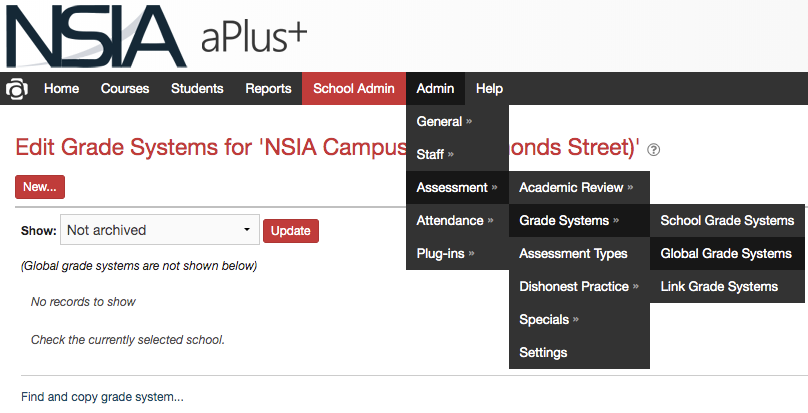
select Admin->Assessment->Grade Systems–>Global Grade Systems from the main menu tabs.
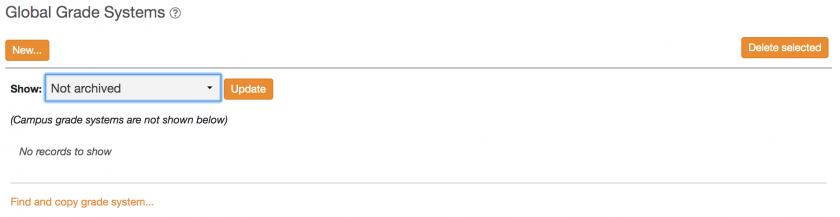
Then click New…
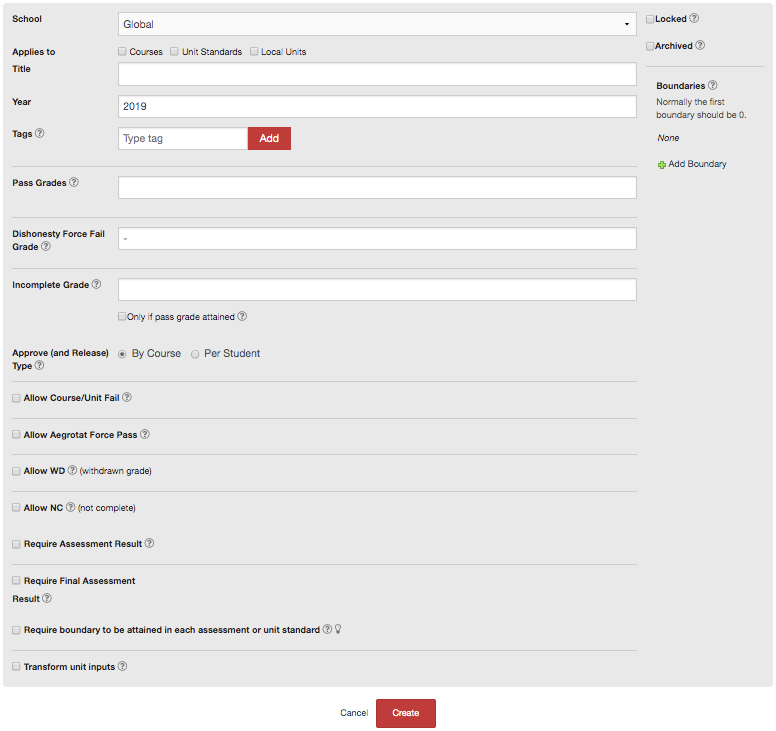
Tick Courses for Applies to and give the system a title ("competency system", "Achievement system").
We use boundaries on the right to associate marks to grades.
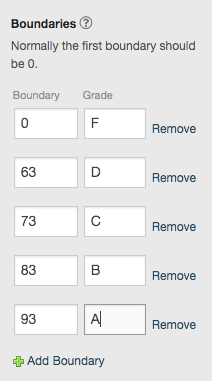
We can then indicate which grades will allow for a pass.
use "I" to indicate Incomplete grade.
Tick Allow WD and set WD Grade: to "WD", and apply: to 'Always, regardless of when'.

Click Create.
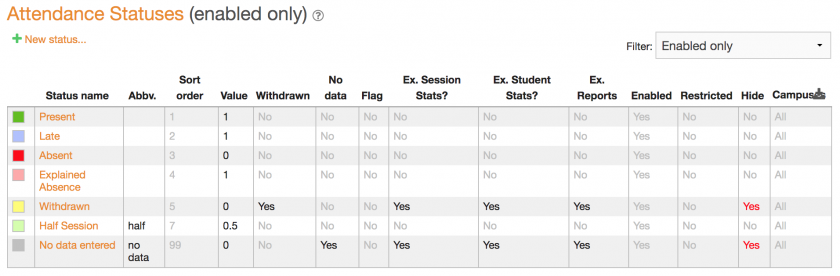
Attendance statuses
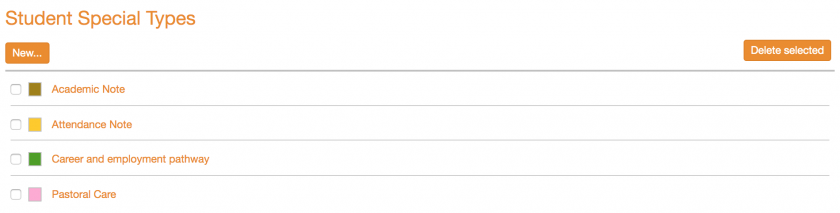
Student specials
Custom campus roles

Custom system roles
