Generative AI and learning design
- AI for planning and development processes
- AI for content creation
- AI for images
- AI for narrative
- AI for tasks and activities
- AI for assessment
AI for planning and development processes
AI for planning and development processes
Generative AI can be useful during the planning and development stages of learning design, particularly when a designer needs to explore options, reduce blank-page friction, or test the coherence of a developing course. It should be treated as a support tool for thinking and drafting, not as a substitute for professional judgement, subject matter expertise, or institutional requirements.
Used well, AI can help a designer move from rough notes to a workable draft more quickly. Used poorly, it can produce plans that appear tidy while masking weak alignment, unrealistic sequencing, or generic thinking. For this reason, AI-assisted planning should remain closely connected to established design processes such as writing learning outcomes and objectives, course level alignment, course mapping, and topic and assessment planning.
Where AI can help
AI is often most useful when it is used to accelerate lower-risk planning tasks such as:
- generating first-pass outlines for courses, topics, or modules
- proposing sequences of topics or learning engagements
- clustering skills and knowledge into logical teaching groupings
- drafting course maps, topic plans, or workshop structures
- identifying questions, gaps, or assumptions in a draft design
- summarising large amounts of source material for review
- turning rough notes into a clearer working document
These uses are valuable because they can help a designer move from an idea to a workable draft more quickly, while still leaving space for professional review and revision.
Good practice
When using AI for planning and development:
-
Start with clear inputs
Provide the course purpose, learning outcomes, delivery mode, learner profile, relevant constraints, and any assessment requirements. -
Use AI to propose, not decide
Ask for options, alternatives, or draft structures rather than assuming the first result is correct. -
Review for alignment
Check that proposed topics, engagements, and assessment ideas align with the intended learning outcomes and with any programme-level expectations. -
Check for practical realism
AI may generate plans that look tidy on paper but are too ambitious for the available time, resources, or learner readiness. -
Document decisions
Where AI contributes to a planning process, record what was kept, changed, or discarded so that the rationale remains visible.
Risks and limitations
AI-generated planning can introduce subtle problems if it is used uncritically. Common issues include:
- generic or over-polished structures that do not reflect the actual learners
- unrealistic volume of content or activity
- hidden misalignment between learning outcomes and proposed tasks
- invented standards, references, or examples
- language that sounds confident but lacks educational substance
For this reason, AI-assisted planning should always be followed by deliberate review against the programme documentation, course description, and any relevant alignment tools.
Example uses
Example 1: Drafting a course map structure
A designer provides:
- course learning outcomes
- indicative content
- weeks available
- known assessments
AI can then propose a draft sequence of topics, possible topic purposes, and example topic learning objectives. The designer can use this as a working draft to refine against the CLAT, course map, and summative assessment plan.
Example 2: Stress-testing a draft plan
A designer already has a draft topic sequence. Instead of asking AI to replace it, the designer asks AI to:
- identify gaps in coverage
- flag likely overload points
- point out where assessment preparation appears weak
- suggest where prior knowledge may need to be made explicit
This is often a stronger use of AI than asking it to generate a plan from nothing.
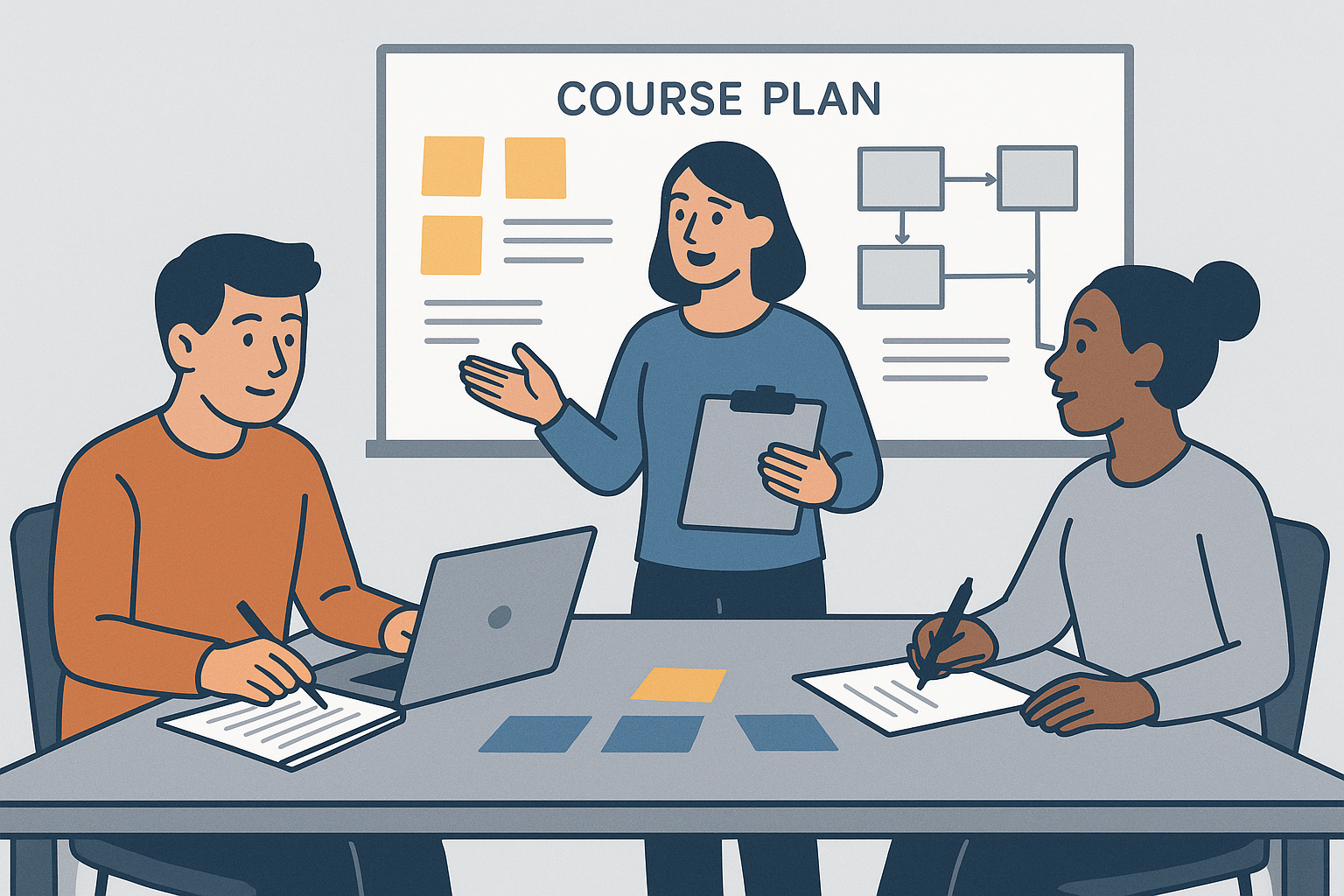
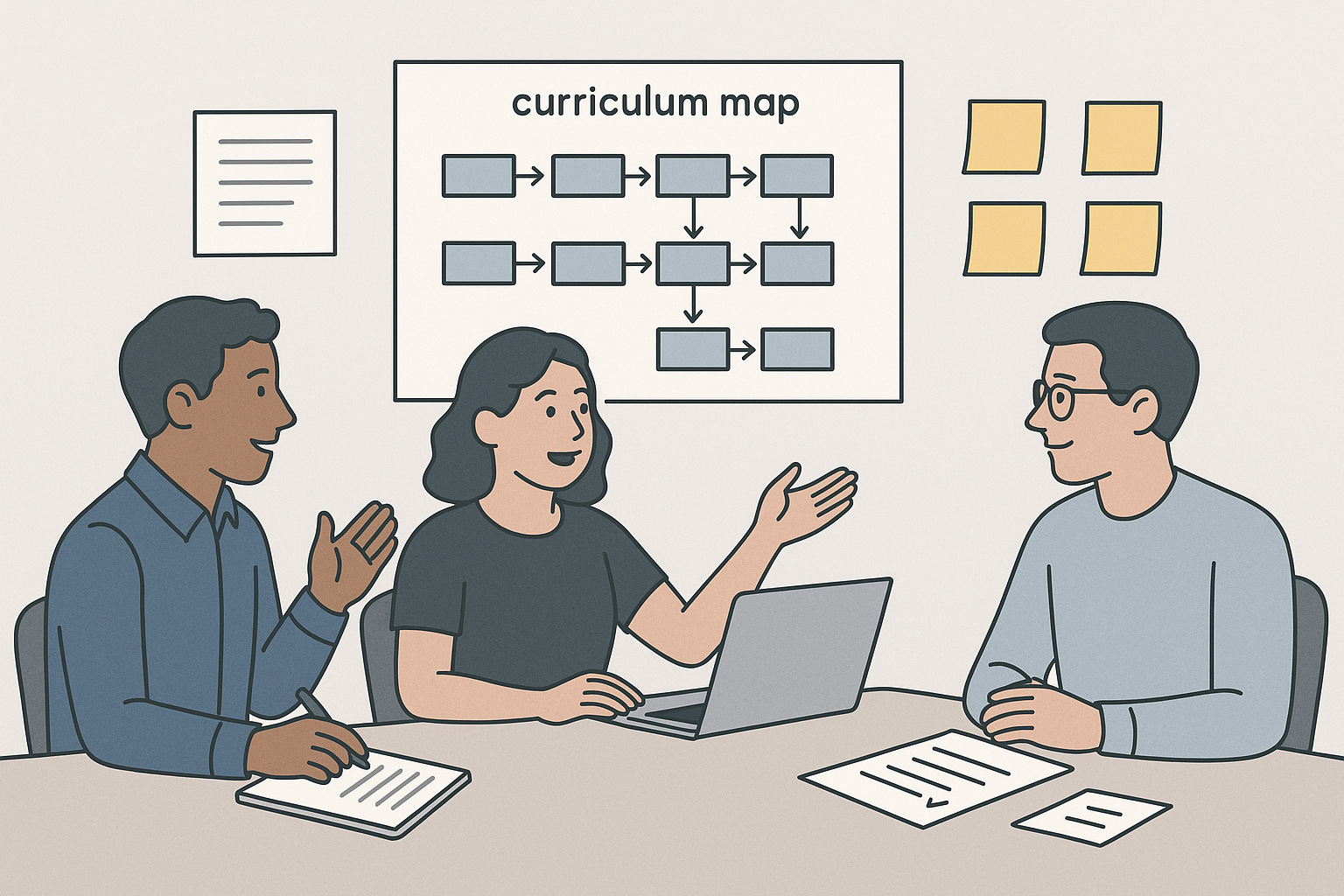
Example: an AI-generated planning image used to support discussion of sequencing, scoping, and early course development thinking.
Practical guidance
Use AI during planning when it helps you:
- generate alternatives quickly
- clarify structure
- surface blind spots
- turn rough notes into a clearer draft
Do not rely on AI to determine:
- educational quality by itself
- authenticity of vocational alignment
- institutional compliance
- whether a plan is actually teachable in context
AI can be an effective planning assistant, but the quality of the final course still depends on the judgement of the learning designer and the contributions of subject matter experts.
AI for content creation
AI for content creation
Generative AI can support the creation of learning content by helping learning designers produce first drafts, alternative explanations, examples, summaries, and other teaching materials more efficiently. Its value lies in accelerating drafting and variation, not in replacing the need for editorial judgement or subject expertise.
This is particularly useful when a designer needs to move quickly from source material to learner-facing content, or when the same concept needs to be expressed in different ways for different learners, delivery contexts, or levels of complexity. Strong content creation still depends on alignment, clarity, and educational intent. AI should support those qualities rather than dilute them.
Where AI can help
AI can be useful for generating or refining:
- explanatory text
- summaries of source material
- worked examples
- discussion prompts
- glossary entries
- instructions for activities or assessments
- alternate phrasings for difficult concepts
- learner-facing introductions and transitions
This can be particularly useful when a course requires a consistent tone across many pages or when the designer needs to present the same concept in more than one way.
Good practice
When using AI for content creation:
-
Work from approved source material
Use established programme documents, course descriptions, standards, legislation, or SME notes as the basis for prompting. -
Keep the educational purpose clear
Ask the AI to create content for a specific purpose such as introducing a concept, reinforcing prior learning, or preparing learners for a task. -
Edit for accuracy and tone
AI-generated text should be treated as a draft. Check facts, terminology, tone, and suitability for the learner group. -
Adjust for readability
AI can produce text that is grammatically correct but too dense, too abstract, or too polished. Revise it to suit the learners and the delivery format. -
Preserve coherence
Ensure the generated content fits with the rest of the course in terminology, structure, and level of difficulty.
Risks and limitations
AI-generated content may:
- invent details or references
- flatten nuance in complex subject matter
- repeat ideas in different words without adding value
- default to a generic educational tone
- sound convincing while still being wrong or incomplete
The risk increases when prompts are vague or when the source material itself is unclear.
Example uses
Example 1: Turning notes into learner-facing content
A designer has SME notes in bullet-point form. AI can be used to turn those notes into a short learner-facing explanation, followed by:
- a summary
- a quick self-check question
- a transition into the next activity
The designer still reviews the output to ensure the explanation is correct and that the language is appropriate for the level.
Example 2: Producing multiple explanations
Where learners may struggle with a concept, AI can produce:
- a formal explanation
- a plainer-English explanation
- a workplace-context example
- a short recap version
This is useful when trying to diversify content without rewriting everything manually.
Relationship to other design work
Content created with AI still needs to sit coherently within the wider learning design. It should support the topic and assessment plan, reflect the expectations of the course map, and prepare learners for the relevant assessment or tasks and activities.
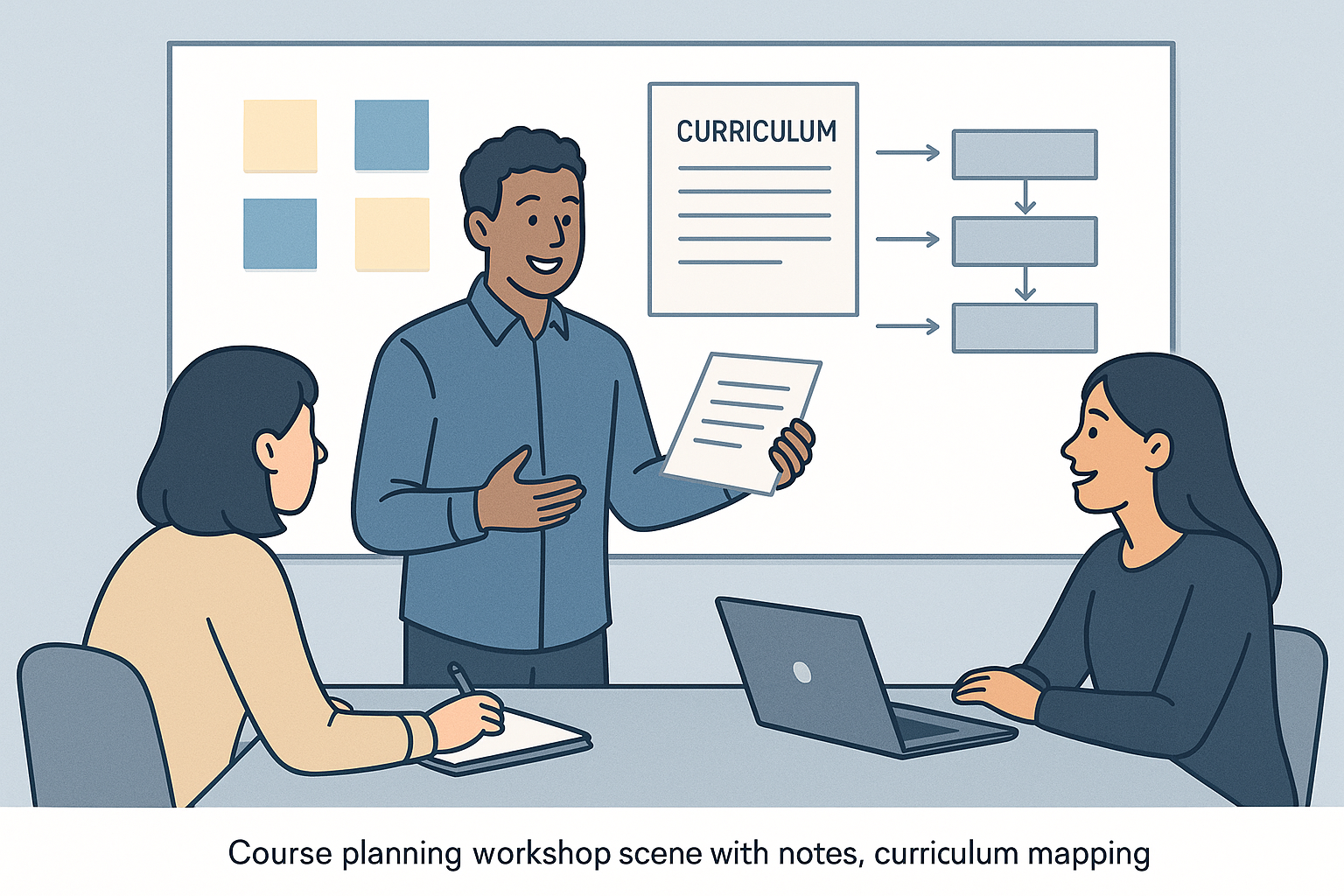
Example: an AI-generated content creation image showing the movement from source material to structured learner-facing content.
Practical guidance
AI works best for content creation when the task is specific and bounded. It is especially useful for:
- first drafts
- variations
- adaptation for different levels or tones
- converting rough notes into coherent prose
It is less reliable when asked to produce complete high-stakes content with no source material or review.
Use AI to help create content faster, but keep the final responsibility for clarity, coherence, and correctness with the learning designer.
AI for images
AI for images
Generative AI can assist with the creation of images for learning materials, especially where a designer needs illustrative concepts, scenario visuals, placeholders, simple diagrams, or visual variation. It can be useful for speed and flexibility, but it also introduces questions about accuracy, appropriateness, copyright, bias, and educational value.
This page should be read alongside the visual literacy guidance in the Learning design guide, particularly pages on understanding visual literacy, types of images, sourcing and selecting visual assets, and visual literacy practices for learning designers. AI image generation can expand what is possible, but it does not remove the need to choose visuals deliberately and evaluate their learning value.
Where AI can help
AI image generation may be useful for creating:
- conceptual illustrations
- visual prompts for discussion
- scenario images
- cover images or section banners
- icon-style graphics
- simple visual metaphors
- placeholders during course development
These uses are most effective when the image does not need to function as precise technical evidence.
Good practice
When using AI for images:
-
Be clear about the purpose
Decide whether the image is decorative, explanatory, motivational, or essential to understanding. -
Check for accuracy
AI images often contain visual errors, especially when depicting tools, processes, interfaces, anatomy, text, or technical detail. -
Review for representation and bias
Check whether the image reflects the intended context and avoids stereotypes or unintended exclusion. -
Use alt text and accessibility support
If the image is used in learning materials, support it with text alternatives and avoid relying on visuals alone to convey critical information. -
Match the visual style to the course
Ensure the generated image fits the tone and credibility of the course rather than looking arbitrary or out of place.
Risks and limitations
AI-generated images can:
- look plausible while depicting impossible or misleading details
- reinforce visual stereotypes
- include distorted objects, hands, tools, or interfaces
- distract from learning if they are overly decorative
- create legal or ethical uncertainty depending on the tool and usage context
These risks make AI images less suitable for contexts where precise visual fidelity matters, such as compliance training, technical instruction, or assessment evidence.
Example uses
Example 1: Scenario setting image
A designer creates an image showing a busy office environment to support a workplace communication scenario. The image helps establish context but is not relied on for any technical detail.

Example: an AI-generated scenario-setting image for a workplace communication activity. The value of the image is in helping establish tone and context, not in teaching exact procedural or technical detail.
Example 2: Early design placeholder
During course prototyping, a designer uses AI-generated images to test layout, page balance, and tone before deciding whether final visuals should be commissioned, sourced, or redesigned.

Example: an AI-generated prototype visual used during the early design phase to explore layout and presentation. In this use case, the image helps support design thinking rather than acting as final instructional evidence.
Practical guidance
Use AI images when they help to:
- establish tone or context
- provide lightweight illustration
- support ideation or prototyping
- create inexpensive visual variation
Be cautious when the image is expected to:
- teach exact visual detail
- show real procedures accurately
- represent compliance-critical situations
- substitute for carefully chosen educational diagrams
AI image tools are most useful when they are used intentionally and reviewed critically, not when they are treated as automatic replacements for visual design or educational judgement.
AI for narrative
AI for narrative
Narrative is often central to engaging learning design. It can help learners understand why content matters, imagine professional contexts, and connect abstract concepts to real situations. Generative AI can be useful for drafting and varying narrative material, particularly in scenario-based learning, case studies, and explanatory storytelling.
When narrative is used well, it supports meaning-making and transfer. When used poorly, it becomes decorative, unrealistic, or distracting. AI can help produce narrative quickly, but the resulting material still needs to be grounded in authentic context, learning purpose, and tone.
Where AI can help
AI can support the creation of:
- case studies
- scenario introductions
- workplace dialogues
- role-play prompts
- reflective story prompts
- narrative transitions between topics
- alternative versions of the same scenario for different audiences
This is especially useful when a designer needs realistic variation or multiple contextual examples.
Good practice
When using AI for narrative:
-
Ground the narrative in a real context
Provide the vocational, cultural, organisational, or learner context so the output is not generic. -
Keep the educational purpose explicit
A narrative should help learners understand, apply, analyse, or reflect — not simply entertain. -
Check realism and tone
AI can produce dialogue or scenarios that feel polished but unnatural. Revise to fit the real-world setting. -
Avoid unnecessary complexity
Narrative should clarify the learning task, not bury it under too much detail. -
Review for bias and assumptions
AI-generated narratives can encode stereotypes, unrealistic roles, or narrow workplace assumptions.
Risks and limitations
Narrative generated by AI may:
- sound plausible but feel inauthentic
- over-dramatise situations
- miss important cultural or workplace nuance
- make assumptions about people, roles, or motivations
- create scenarios that do not meaningfully support the learning outcomes
For this reason, AI narrative should be reviewed and adapted, particularly when it is used in vocational or culturally sensitive contexts.
Example uses
Example 1: Drafting a case study
A designer asks AI to draft a short workplace case study involving a team communication problem. The draft gives the designer a useful structure, but the details are then edited to reflect the actual sector and learner context.
Example 2: Creating reflective prompts
A designer uses AI to generate multiple short reflective prompts based on a scenario, such as:
- What assumptions did the character make?
- What could have been done differently?
- What policy, process, or communication skill is relevant here?
This can speed up the production of reflective learning content without requiring AI to define the educational logic.
Relationship to other design work
Narrative is often most effective when it supports content creation, frames tasks and activities, and prepares learners for assessment. It should work with the intended learning outcomes rather than sitting alongside them as an afterthought.
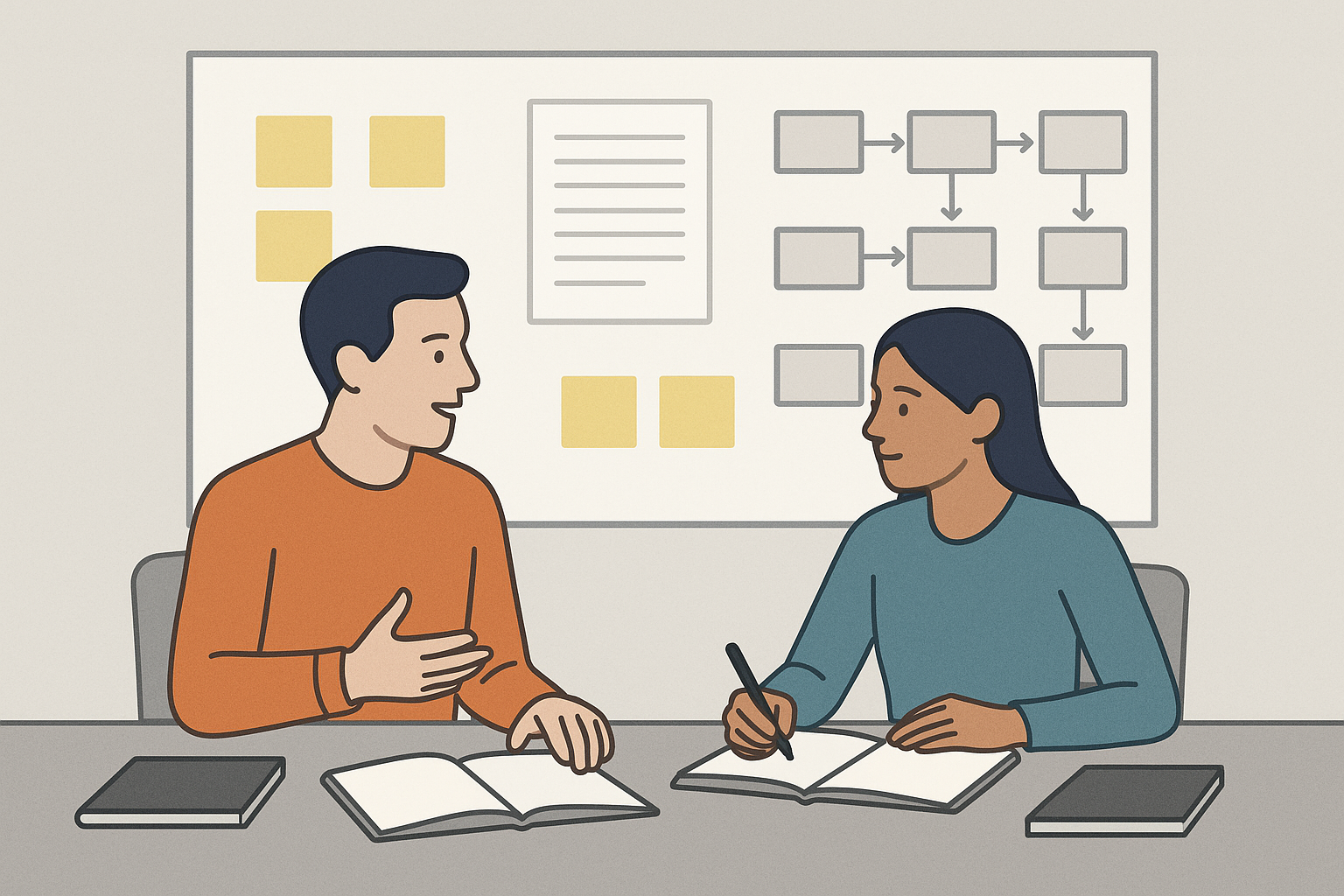
Example: an AI-generated narrative image used to support a workplace case study or scenario-based learning activity.
Practical guidance
AI is helpful for narrative when you need:
- scenario variety
- quick first drafts
- alternate contexts
- dialogue prompts
- narrative framing for content
It is less suitable when the scenario must be highly accurate, culturally nuanced, or directly tied to high-stakes assessment without careful review.
Use AI to accelerate narrative drafting, but shape the final story with clear educational intent and contextual awareness.
AI for tasks and activities
AI for tasks and activities
Generative AI can help learning designers create tasks and activities by suggesting formats, drafting instructions, generating examples, and varying the complexity or context of learner engagement. This can be useful during early design and iteration, especially where multiple practice opportunities are needed.
Tasks and activities are not valuable simply because they are active. They are valuable when they support learners to engage meaningfully with content, practice relevant skills, and move toward the intended learning outcomes. AI can help generate possibilities, but the learning designer still needs to determine whether the activity is purposeful, well-scaffolded, and realistic.
Where AI can help
AI may be useful for generating:
- discussion prompts
- short practice tasks
- scenario-based activities
- reflection questions
- role-play setups
- brainstorming activities
- formative checks for understanding
- alternate versions of a task for different contexts or levels
It can also help a designer quickly produce several options and then choose the one that best aligns with the learning purpose.
Good practice
When using AI for tasks and activities:
-
Start from the learning objective
Define what learners should know, do, or demonstrate. The task should exist to support that goal. -
Specify the type of learner action needed
For example, should the learner discuss, analyse, compare, create, practice, reflect, or perform? -
Check authenticity
Ensure the task resembles the kind of thinking or performance expected in the actual learning context. -
Review cognitive load
AI can generate tasks that are either too easy, too broad, or too demanding. Adjust the scope and scaffolding. -
Ensure practical usability
The activity needs clear instructions, reasonable timing, and suitable outputs.
Risks and limitations
AI-generated tasks may:
- look active but have weak alignment to the objective
- duplicate surface-level engagement without deeper learning value
- create unrealistic or overly polished workplace scenarios
- miss the need for scaffolding or prior knowledge
- produce repetitive formats across a course
These risks mean the designer should review tasks for both learning value and practical teachability.
Example uses
Example 1: Generating discussion options
A designer wants an end-of-page discussion question for a topic on ethical decision-making. AI can generate several prompts at different levels of complexity, from simple opinion-sharing to evidence-based evaluation.
Example 2: Varying practice activities
A designer has one useful task format and wants three more versions using different contexts or examples. AI can propose alternate scenarios while the designer checks that each one still aligns with the same objective.
Relationship to other design work
Tasks and activities should support topic and assessment planning, prepare learners for assessment, and often rely on supporting content creation or narrative.
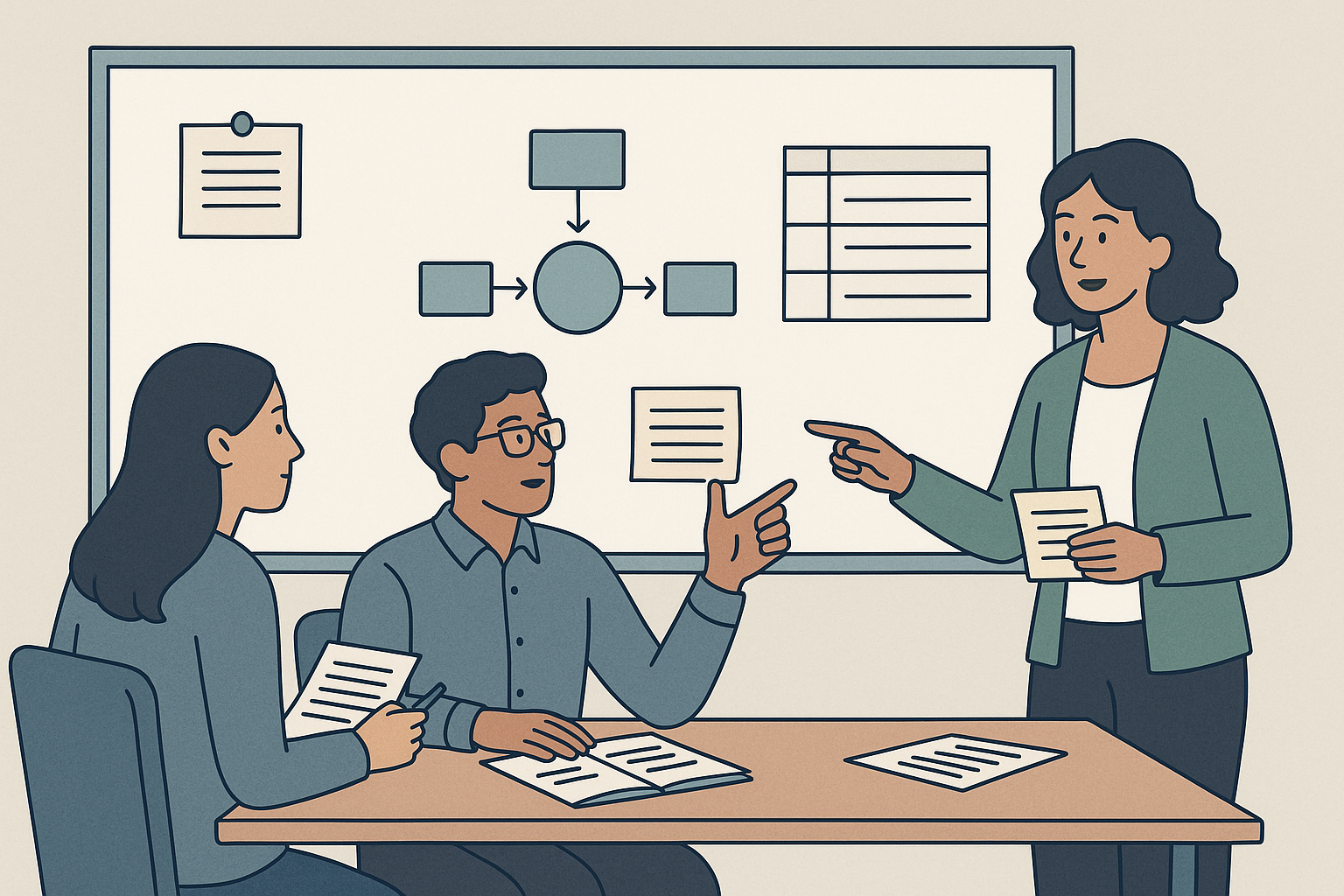
Example: an AI-generated activity-planning image showing the design of discussion prompts, practice tasks, and structured learner engagement.
Practical guidance
AI is strongest when used to support task design by helping with:
- ideation
- variation
- first drafts
- rewording instructions
- generating examples or prompts
It is weaker when left to define the educational strategy on its own.
Use AI to speed up the design of tasks and activities, but ensure the final activities are aligned, purposeful, and feasible for the actual learners.
AI for assessment
AI for assessment
Generative AI can support aspects of assessment design by helping learning designers draft assessment ideas, generate examples, propose question formats, and refine instructions or criteria language. It can be a useful drafting partner, but it should not be relied upon uncritically for validity, fairness, or alignment.
Assessment design has direct consequences for workload, evidence quality, learner experience, and academic integrity. For that reason, AI should be used as a support tool for exploring or refining assessment ideas, not as an authority on whether an assessment is educationally sound.
Where AI can help
AI can assist with:
- drafting assessment task ideas
- generating question stems
- proposing rubric language
- refining assessment instructions
- generating examples of evidence or performance
- suggesting formative assessment activities
- checking whether an assessment appears aligned to stated outcomes
These uses are most valuable when AI is helping to surface options and language, rather than determining assessment quality by itself.
Good practice
When using AI for assessment:
-
Begin with the learning outcomes
Ensure the assessment is tied to what learners are actually expected to know or do. -
Use AI to generate options
Ask for alternative task formats, clearer wording, or possible criteria rather than assuming the first output is suitable. -
Review validity and authenticity
Check whether the task genuinely measures the intended outcome and reflects meaningful evidence of learning. -
Refine the language
AI can help make instructions, questions, and rubric statements clearer, but clarity should not come at the expense of precision. -
Check fairness and level
Make sure the assessment is appropriate for the learner group, the course level, and any programme or industry expectations.
Risks and limitations
AI can produce assessment content that appears polished but is weak in important ways. Common problems include:
- shallow alignment to learning outcomes
- poor or inconsistent cognitive level
- unrealistic or generic task contexts
- criteria that sound good but are difficult to apply reliably
- invented standards or references
- assessment ideas that are too broad, too narrow, or too easy to game
These risks make human review essential, especially for summative assessment.
Example uses
Example 1: Improving assessment instructions
A designer has a strong task idea but the instructions are too wordy or unclear. AI can suggest a cleaner structure with:
- purpose
- task instructions
- expected output
- submission requirements
- success criteria summary
The designer then checks that the final wording remains accurate and institutionally appropriate.
Example 2: Drafting rubric language
AI can help convert rough notes into draft criteria language, such as turning “shows understanding of audience and purpose” into more explicit descriptors. The designer still needs to test whether the rubric is usable and aligned.
Relationship to other design work
Assessment design should remain connected to writing learning outcomes and objectives, course level alignment, summative assessment planning, and tasks and activities.
Example: an AI-generated assessment design image showing rubric drafting and thinking about authentic evidence of learning.
Practical guidance
AI can be helpful in assessment design when it is used to:
- generate alternatives
- improve wording
- draft structures
- stress-test alignment
- produce first-pass rubric or question language
It should not be treated as the final authority on assessment quality, validity, or compliance.
Use AI in assessment design as a drafting and review aid, while keeping final responsibility for alignment, fairness, and quality with the learning designer.