
AI for content creation
AI for content creation
Generative AI can support the creation of learning content by helping learning designers produce first drafts, alternative explanations, examples, summaries, and other teaching materials more efficiently. Its value lies in accelerating drafting and variation, not in replacing the need for editorial judgement or subject expertise.
This is particularly useful when a designer needs to move quickly from source material to learner-facing content, or when the same concept needs to be expressed in different ways for different learners, delivery contexts, or levels of complexity. Strong content creation still depends on alignment, clarity, and educational intent. AI should support those qualities rather than dilute them.
Where AI can help
AI can be useful for generating or refining:
- explanatory text
- summaries of source material
- worked examples
- discussion prompts
- glossary entries
- instructions for activities or assessments
- alternate phrasings for difficult concepts
- learner-facing introductions and transitions
This can be particularly useful when a course requires a consistent tone across many pages or when the designer needs to present the same concept in more than one way.
Good practice
When using AI for content creation:
-
Work from approved source material
Use established programme documents, course descriptions, standards, legislation, or SME notes as the basis for prompting. -
Keep the educational purpose clear
Ask the AI to create content for a specific purpose such as introducing a concept, reinforcing prior learning, or preparing learners for a task. -
Edit for accuracy and tone
AI-generated text should be treated as a draft. Check facts, terminology, tone, and suitability for the learner group. -
Adjust for readability
AI can produce text that is grammatically correct but too dense, too abstract, or too polished. Revise it to suit the learners and the delivery format. -
Preserve coherence
Ensure the generated content fits with the rest of the course in terminology, structure, and level of difficulty.
Risks and limitations
AI-generated content may:
- invent details or references
- flatten nuance in complex subject matter
- repeat ideas in different words without adding value
- default to a generic educational tone
- sound convincing while still being wrong or incomplete
The risk increases when prompts are vague or when the source material itself is unclear.
Example uses
Example 1: Turning notes into learner-facing content
A designer has SME notes in bullet-point form. AI can be used to turn those notes into a short learner-facing explanation, followed by:
- a summary
- a quick self-check question
- a transition into the next activity
The designer still reviews the output to ensure the explanation is correct and that the language is appropriate for the level.
Example 2: Producing multiple explanations
Where learners may struggle with a concept, AI can produce:
- a formal explanation
- a plainer-English explanation
- a workplace-context example
- a short recap version
This is useful when trying to diversify content without rewriting everything manually.
Relationship to other design work
Content created with AI still needs to sit coherently within the wider learning design. It should support the topic and assessment plan, reflect the expectations of the course map, and prepare learners for the relevant assessment or tasks and activities.
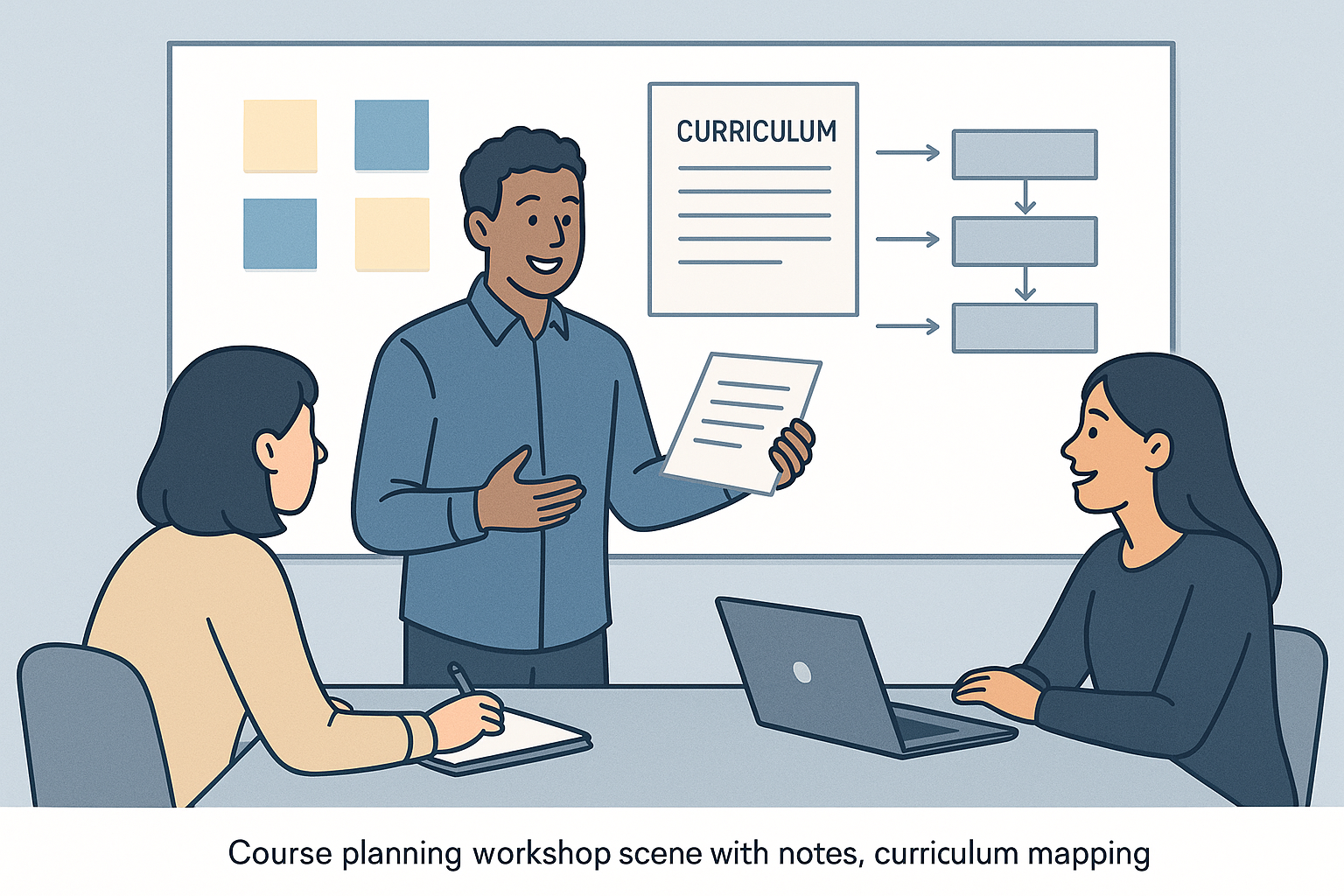
Example: an AI-generated content creation image showing the movement from source material to structured learner-facing content.
Practical guidance
AI works best for content creation when the task is specific and bounded. It is especially useful for:
- first drafts
- variations
- adaptation for different levels or tones
- converting rough notes into coherent prose
It is less reliable when asked to produce complete high-stakes content with no source material or review.
Use AI to help create content faster, but keep the final responsibility for clarity, coherence, and correctness with the learning designer.
No comments to display
No comments to display